

 A100 SXM4 40GB

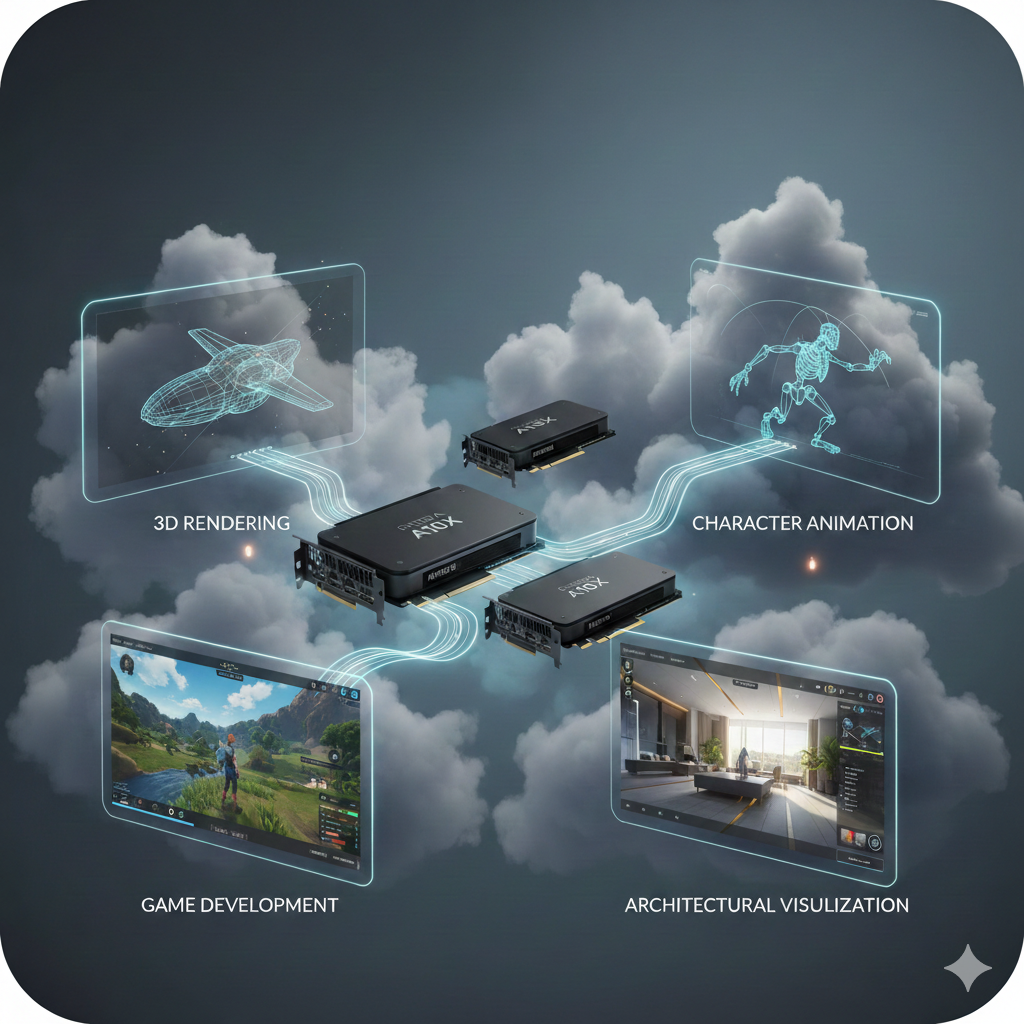
If you work in 3D rendering, animation, game development, or architectural visualization, you have likely already noticed the shift. Cloud GPUs are no longer a future idea. They are actively being used by teams to deliver real projects.
The concept sounds ideal. You get access to powerful hardware without owning or maintaining it, and you can scale up when deadlines get tight. But once you log into AWS, Azure, or Google Cloud, you are faced with dozens of GPU options and technical specs. Choosing the right one quickly becomes overwhelming.
This decision matters because visual workloads are especially demanding. They are not just calculations, but creative processes that turn massive amounts of visual data into images, animations, or interactive experiences. High-resolution textures, complex lighting, and real-time effects all push hardware hard. Accuracy matters, but so does how convincing the final result looks.
The right choice is not about selecting the biggest or most expensive GPU. It is about matching the GPU to the specific demands of your work. Below is a practical way to evaluate cloud GPUs across the four most common visual workloads.
How to Evaluate Cloud GPU Types for Specific Visual Workloads
1. 3D Rendering Workloads
2. Animation and VFX Workloads
3. Game Development Workloads
4. Architectural Visualization Workloads
1. 3D Rendering Workloads (Arnold, V-Ray, Redshift)
Core need:
Consistent computing power to calculate millions of light paths for a single high-quality image or animation frame.
What to focus on:
VRAM should be your top priority. Your benchmark scene must fit comfortably within GPU memory. Operating close to the limit increases the risk of crashes. Heavy scenes require GPUs with larger memory capacity.
Floating-point performance also matters. Higher FP32 performance generally means faster render times.
Always balance cost against time. A more expensive GPU that completes a render in half the time may actually cost less for urgent projects. For flexible timelines, a mid-range GPU can be the more economical choice.
GPU types to consider:
NVIDIA A100 or H100 for extreme compute-heavy rendering
NVIDIA L40 or RTX 6000 Ada for strong performance with ample VRAM
NVIDIA A10 or L4 for cost-effective production rendering
2. Animation and VFX Workloads (Maya, Houdini, Nuke)
Core need:
A flexible system that supports smooth viewport interaction, demanding simulations, and final-frame rendering.
What to focus on:
Balance is critical. You need reliable graphics drivers for interactive work and enough VRAM to handle simulations. Avoid GPUs designed only for pure compute workloads.
CPU performance is just as important. Many simulations and rig evaluations are CPU-dependent. A GPU paired with a weak CPU will slow the entire workflow.
Storage speed also plays a major role. Animation and VFX pipelines handle thousands of files. NVMe-based storage helps prevent slowdowns during asset loading and caching.
GPU types to consider:
NVIDIA RTX 6000 Ada or 5000 Ada for virtual workstation performance
NVIDIA L40 for well-balanced hybrid workloads
NVIDIA A10 for dependable performance across many VFX tasks
3. Game Development Workloads (Unreal Engine, Unity)
Core need:
A real-time development environment that mirrors a high-end gaming system, combined with extra power for offline tasks like light baking.
What to focus on:
Full API support is essential. DirectX 12, Vulkan, and engine-specific features must work flawlessly.
Strong real-time ray tracing performance is important for developing modern visuals. You need to see lighting and reflections exactly as players will experience them.
For repetitive tasks like lightmap baking, use separate short-term compute instances. This approach keeps your main development environment responsive while reducing costs.
GPU types to consider:
NVIDIA RTX 6000 Ada or 5000 Ada for top-tier real-time development
NVIDIA L40 for general game development workloads
NVIDIA A100 for dedicated batch processing and asset generation
4. Architectural Visualization Workloads (Twinmotion, Unreal Engine, Lumion)
Core need:
Smooth, immersive real-time walkthroughs for client presentations combined with the ability to produce high-quality final renders.
What to focus on:
Real-time ray tracing should be your highest priority. It delivers realistic lighting and reflections that help clients understand and trust the design.
VRAM is equally important. Architectural scenes often include large textures, detailed furniture, and expansive environments. Insufficient memory quickly becomes a limiting factor.
In many cases, a single powerful GPU performs better than a multi-GPU setup. Most architectural visualization tools are optimized for single-GPU performance, making simpler setups more effective.
GPU types to consider:
NVIDIA RTX 6000 Ada or 5000 Ada for immersive real-time visualization
NVIDIA L40 for a strong balance of rendering and real-time performance
NVIDIA A10 for studios focused on high-quality still renders
The Evaluation Toolkit: What to Look For in Any Cloud GPU
Before matching GPUs to your projects, you need to understand what the specs actually mean for daily production work. Focus on these practical factors instead of marketing terms.
GPU model and type
This is the foundation of everything. Different GPU families are designed for different goals. Some focus on raw compute power for rendering, while others are optimized for real-time graphics and interactivity. Just as you would not put a tractor engine into a sports car, you should not choose a GPU that does not match your workload.
VRAM(Video RAM)
This is often the most critical factor. VRAM is where your textures, geometry, and lighting data live while being processed. If your project does not fit into memory, performance drops sharply or the application may stop responding entirely. As scenes grow more complex, VRAM requirements increase quickly.
vCPUs and system RAM
A powerful GPU cannot work in isolation. Scene preparation, simulations, and file management rely heavily on CPU power and system memory. If the CPU is underpowered, the GPU will sit idle, creating unnecessary delays and frustration.
Specialized cores
Modern visual workloads benefit greatly from dedicated hardware for real-time ray tracing and AI-based denoising. These features can significantly speed up previews and final renders while improving overall image quality.
The complete cost
The hourly GPU price is only the starting point. You also need to consider fast storage for project files, data transfer costs when downloading final outputs, and any required software licenses. Ignoring these factors can lead to unexpected expenses.
Your Actionable Evaluation Plan
Rather than guessing, follow a structured approach.
- Use a real project file as your benchmark, ideally one of your most demanding scenes.
- Test two or three GPU instances that match your workload profile.
- Measure real metrics such as render time, real-time performance, VRAM usage, and viewport responsiveness.
- Let actual artists or developers use the system. Their feedback on responsiveness and usability is invaluable.
- Finally, calculate the true cost by combining GPU hours, storage usage, data transfer, and licensing.
Final Thoughts
Choosing a cloud GPU is a strategic decision that affects creativity, productivity, and cost. By focusing on real workload requirements such as simulation performance for VFX, real-time responsiveness for architectural visualization, or baking speed for game development, you make a practical and informed choice.
The real strength of the cloud lies in flexibility. You are no longer tied to a single physical GPU. You can select the right tool for each phase of your workflow. Test with real projects, trust real feedback, and let your workflow guide your technology decisions rather than the other way around.