

 A100 SXM4 40GB

Introduction
GPUs are no longer used only for gaming or graphics. Today, they power artificial intelligence, machine learning, video processing, scientific research, and even cloud-based desktops. As demand grows, sharing GPUs efficiently has become a real challenge for data centers, cloud providers, and enterprises.
This is where GPU virtualization and partitioning come in. Instead of dedicating one full GPU to one user, modern systems allow a single GPU to be shared across multiple workloads—each in a different way.
However, terms like GPU Passthrough, vGPU, and MIG can sound confusing, especially for people new to this space. Each approach solves a different problem and comes with its own benefits and trade-offs.
This blog explains these three technologies in plain language, without unnecessary jargon, so you can clearly understand how they work and when to use each one.
What We Will Cover
In this blog, we will look at:
- What GPU virtualization and partitioning mean
- Why GPU sharing and isolation matter today
- A high-level view of GPU Passthrough, vGPU, and MIG
- How GPU Passthrough works and where it fits best
- How vGPU shares GPUs using software
- How MIG splits GPUs at the hardware level
- Performance, latency, and isolation differences
- Software, driver, and platform requirements
- Best use cases for each approach
- Cost, licensing, and operational complexity
- Common misunderstandings about GPU sharing
- How GPU virtualization is evolving in the future
What Is GPU Virtualization?
GPU virtualization is a technology that allows one physical GPU to be used by one or more virtual machines, containers, or applications at the same time, instead of being locked to a single system.
In simple terms, it means sharing a GPU safely and efficiently.
Depending on the method used, GPU virtualization can:
- Give the entire GPU to one virtual machine
- Split the GPU into multiple smaller parts
- Share GPU time between multiple users
The goal of GPU virtualization is to:
- Improve GPU usage
- Reduce hardware costs
- Support multiple workloads on the same GPU
- Maintain isolation so workloads do not interfere with each other
Technologies like GPU Passthrough, vGPU, and MIG are different ways of achieving GPU virtualization, each with its own design, performance level, and use cases.
Why GPU Sharing and Isolation Matter
GPUs are expensive, power-hungry, and limited in supply. Giving one full GPU to every workload often leads to wasted resources. Many applications use only a small part of the GPU’s capacity.
At the same time, sharing a GPU is risky if not done properly. One workload can slow down another, cause crashes, or even access memory it shouldn’t.
That is why isolation (keeping workloads separate) and fair sharing are critical. Modern GPU technologies aim to:
- Improve hardware usage
- Reduce costs
- Support multiple users safely
- Deliver predictable performance
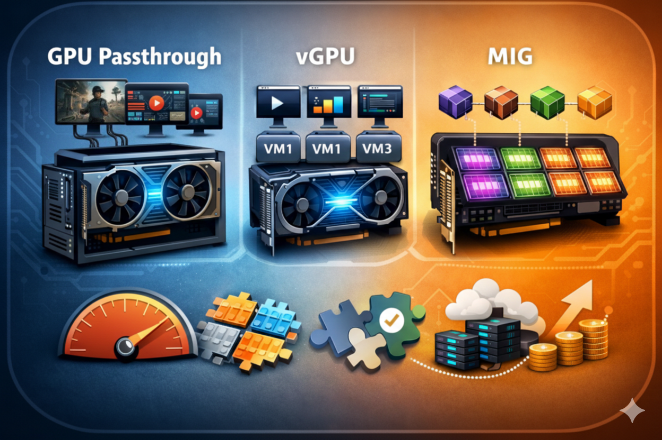
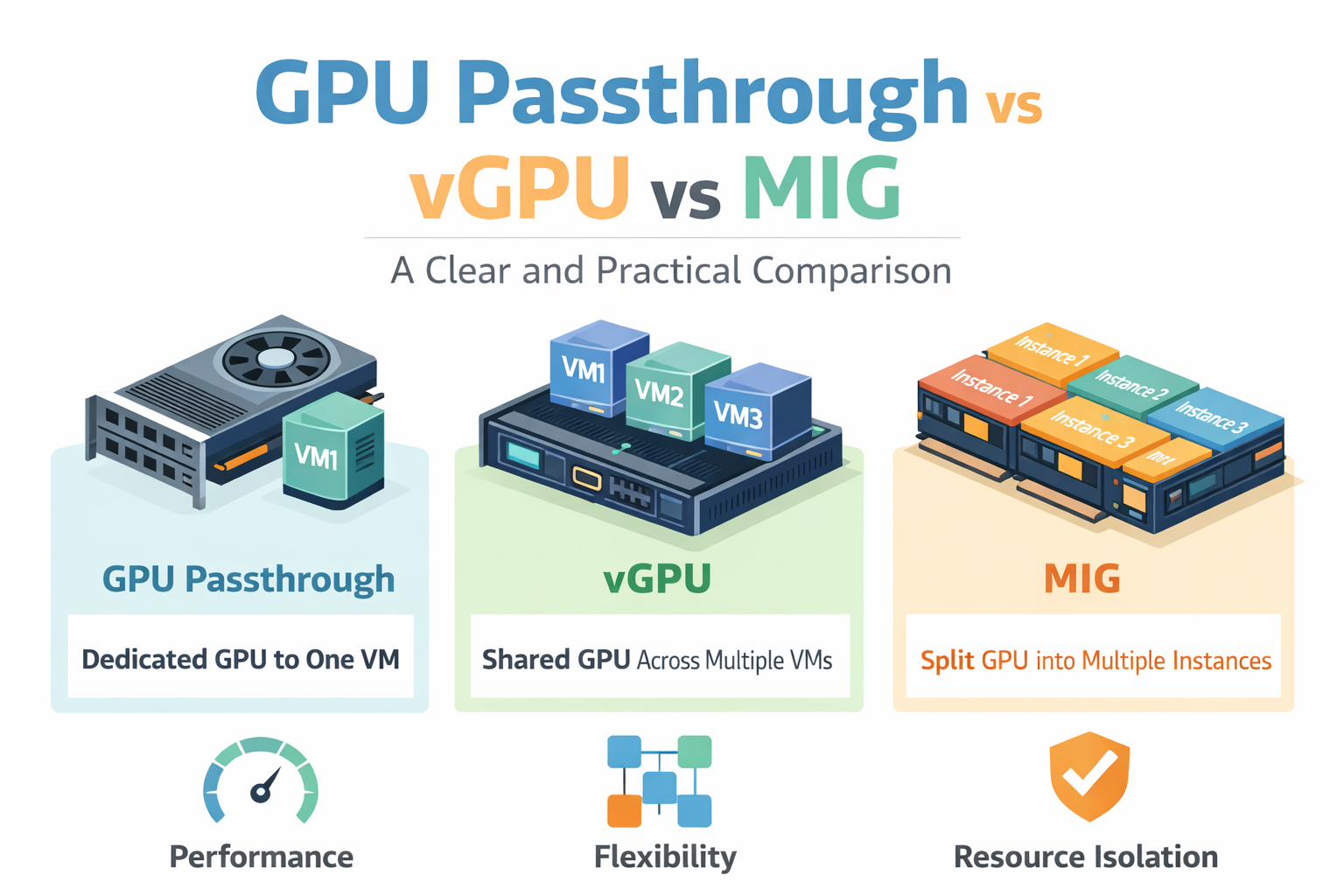
High-Level Overview: Passthrough, vGPU, and MIG
Let’s simplify this first:
- GPU Passthrough: One GPU is fully assigned to one virtual machine.
- vGPU: One GPU is shared by multiple virtual machines using software.
- MIG: One GPU is physically split into smaller GPUs at the hardware level.
Think of it like housing:
- Passthrough is a private house
- vGPU is a shared apartment
- MIG is a building split into separate flats with solid walls
GPU Passthrough: Definition and Architecture
What Is GPU Passthrough?
GPU Passthrough means a physical GPU is directly attached to a single virtual machine. The VM sees the GPU almost exactly as if it were installed inside a physical server.
There is no sharing. One VM, one GPU.
How PCIe Passthrough Works
GPUs connect to servers through PCIe slots. With passthrough:
- The hypervisor assigns the GPU directly to a VM
- The host system no longer uses that GPU
- The VM loads native GPU drivers
This requires:
- Hardware support like IOMMU (Intel VT-d or AMD-Vi)
- Hypervisors such as KVM or VMware ESXi
Performance Characteristics
This method delivers near-native performance. Since there is no sharing layer:
- Very low latency
- Full memory bandwidth
- Ideal for heavy AI training and HPC workloads
Isolation and Security
Isolation is strong because:
- Only one VM can access the GPU
- No memory sharing
- No noisy neighbors
This makes passthrough suitable for sensitive or regulated workloads.
Management and Scalability Limits
The downside:
- GPU cannot be shared
- Poor utilization if workloads are small
- Scaling requires more physical GPUs
- Live migration is usually not possible
vGPU: Definition and Architecture
What Is vGPU?
vGPU allows multiple virtual machines to share a single GPU using a software layer. Each VM gets a virtual slice of the GPU.
This is commonly used in cloud desktops and shared AI environments.
How GPU Slicing Works in vGPU
vGPU uses:
- Time slicing (GPU time is divided)
- Memory limits per VM
- Software-based scheduling
The GPU rapidly switches between workloads, creating the illusion that each VM has its own GPU.
NVIDIA vGPU Software and Licensing
vGPU relies on NVIDIA’s commercial software stack:
- Special host drivers
- Guest drivers
- License server
Licensing cost depends on use case:
- Virtual desktops
- AI workloads
- Compute-focused profiles
Performance Overhead and Contention
Because sharing is software-controlled:
- Some performance overhead exists
- Heavy workloads can affect others
- Latency may vary under load
This is called the noisy neighbor problem.
vGPU Profiles and Limits
Each VM is assigned a profile:
- Fixed GPU memory size
- Fixed number of compute units
- Maximum number of VMs per GPU
Profiles help control fairness but reduce flexibility.
MIG (Multi-Instance GPU): Definition and Architecture
What Is MIG?
MIG is a hardware-level GPU partitioning technology introduced by NVIDIA. Instead of sharing via software, the GPU is physically divided into multiple independent GPU instances.
Each instance behaves like a mini GPU.
Hardware-Level Partitioning
With MIG:
- Compute units are physically separated
- Memory is dedicated per instance
- Cache and bandwidth are isolated
This eliminates most interference between workloads.
MIG Instance Types and Granularity
MIG-enabled GPUs can be split into:
- Small instances for inference
- Medium instances for analytics
- Larger instances for training
Each instance has fixed compute cores and memory.
Isolation and Fault Containment
MIG provides:
- Strong memory isolation
- Predictable performance
- Fault isolation (one instance crashing won’t affect others)
This is a major advantage over vGPU.
Supported GPU Architectures
MIG is supported on select NVIDIA GPUs, including:
- A100
- H100
- A30 (limited support)
Consumer GPUs generally do not support MIG.
Performance Comparison
Resource Allocation
| Feature | Passthrough | vGPU | MIG |
| Compute | Full GPU | Shared | Dedicated slice |
| Memory | Full | Shared | Dedicated |
| Bandwidth | Full | Shared | Isolated |
Latency and Throughput
- Passthrough: Best latency and throughput
- MIG: Very close to native
- vGPU: Variable under load
Predictability and Noisy Neighbors
- Passthrough: No neighbors
- MIG: Hardware isolation
- vGPU: Software-based fairness
Software and Platform Support
Driver and Software Needs
- Passthrough: Standard NVIDIA drivers
- vGPU: NVIDIA vGPU drivers + licenses
- MIG: MIG-aware drivers and CUDA versions
Framework and Container Compatibility
All three support:
- CUDA
- TensorFlow
- PyTorch
MIG works very well with containers and Kubernetes.
Hypervisor and Orchestration Support
- KVM and VMware support all three
- Kubernetes integrates best with MIG
- vGPU requires vendor plugins
Best Use Cases
When to Use GPU Passthrough
- AI model training
- HPC workloads
- Single-tenant environments
- Maximum performance needs
When to Use vGPU
- Virtual desktops
- Shared development systems
- Light AI workloads
- Cost-sensitive environments
When to Use MIG
- AI inference at scale
- Multi-tenant AI platforms
- Cloud GPU services
- Predictable performance needs
Cost and Operational Complexity
- Passthrough: High hardware cost, simple setup
- vGPU: Licensing costs, higher management effort
- MIG: Expensive GPUs, efficient long-term scaling
Common Misconceptions
- vGPU is not the same as MIG – vGPU shares a GPU using software, while MIG splits the GPU at the hardware level, which makes a big difference in performance and isolation.
- Passthrough is not scalable – GPU passthrough gives full power to one system, but it cannot efficiently support many users or workloads on the same GPU.
- MIG does not work on all GPUs – MIG is only available on specific data-center GPUs and cannot be used on most consumer or older GPU models.
- Software sharing cannot guarantee isolation – when GPUs are shared only through software, workloads can still affect each other under heavy load.
Future Trends in GPU Virtualization
The industry is moving toward:
- Hardware-level isolation – future GPUs are being designed to split resources physically, reducing interference between workloads.
- Better Kubernetes integration – GPUs are becoming easier to manage inside container platforms like Kubernetes for large-scale deployments.
- Cloud-native GPU scheduling – cloud platforms are improving how GPU resources are assigned, scaled, and balanced automatically.
- More granular GPU partitioning – GPUs are being divided into smaller, more precise slices to match different workload needs.
MIG-like approaches are expected to become more common as AI workloads grow.
Final Thoughts
There is no single “best” GPU sharing method. The right choice depends on:
- Performance needs
- Budget
- Security requirements
- Scale and user count
Understanding Passthrough, vGPU, and MIG helps you design smarter, more efficient GPU infrastructure—without wasting money or performance.
If you choose correctly, your GPUs will work harder, smarter, and more reliably.